Language: English | EspaƱa
Donate
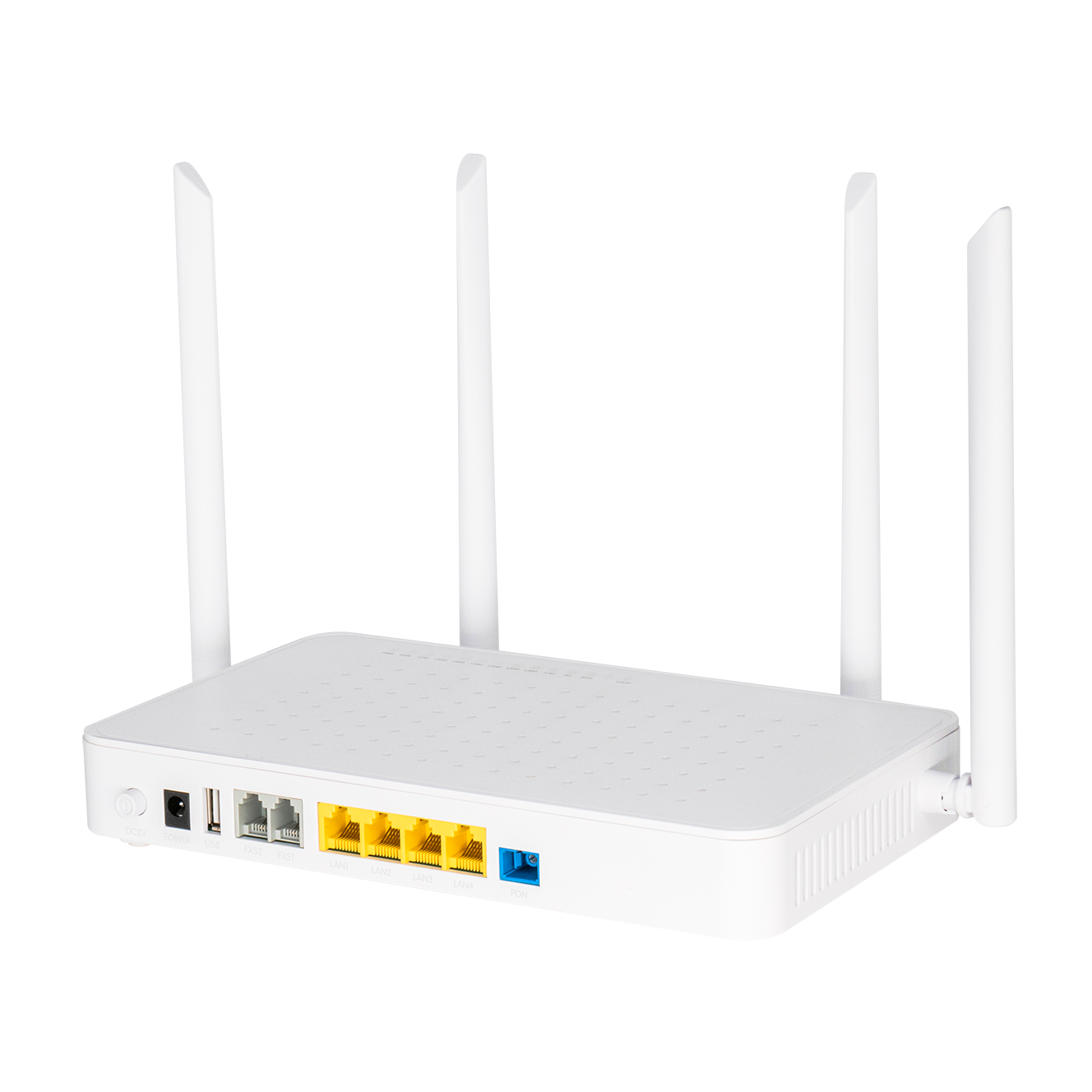
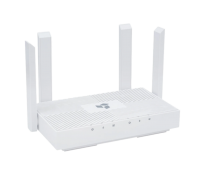
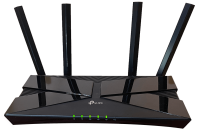
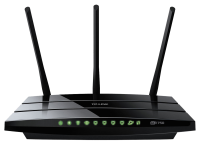
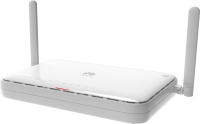
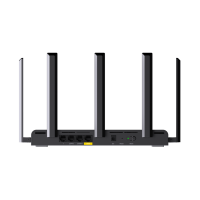
Wireless Wi-Fi router PNG
Download PNG image
Share image:

License: Attribution-NonCommercial 4.0 International (CC BY-NC 4.0)
Keywords: Wireless Wi-Fi router PNG size: 1328x1328px, Wireless router PNG images, PNG image: Wireless Wi-Fi router PNG, free PNG image, Wireless router
Image category: Wireless router
Format: PNG image with alpha (transparent)
Resolution: 1328x1328
Size: 522 kb

Wireless Wi-Fi router PNG image with transparent background | wireless_router_PNG49.png

Home » ELECTRONICS » Wireless router » Wireless Wi-Fi router PNG

This image has format transparent PNG with resolution 1328x1328.
You can download this image in best resolution from this page and use it for design and web design.

Wireless Wi-Fi router PNG with transparent background you can download for free, just click on download button.


More images of Wireless router

Wireless router

A wireless router or Wi-Fi router is a device that performs the functions of a router and also includes the functions of a wireless access point. It is used to provide access to the Internet or a private computer network. Depending on the manufacturer and model, it can function in a wired local area network, in a wireless-only LAN, or in a mixed wired and wireless network.

Wireless routers typically feature one or more network interface controllers supporting Fast Ethernet or Gigabit Ethernet ports integrated into the main system on a chip (SoC) around which the router is built. An Ethernet switch as described in IEEE 802.1Q may interconnect multiple ports. Some routers implement link aggregation through which two or more ports may be used together, improving throughput and redundancy.

All wireless routers feature one or more wireless network interface controllers. These are also integrated into the main SoC or may be separate chips on the printed circuit board. It can also be a distinct card connected over a MiniPCI or MiniPCIe interface. Some dual-band wireless routers operate the 2.4 GHz and 5 GHz bands simultaneously. Wireless controllers support a part of the IEEE 802.11-standard family and many dual-band wireless routers have data transfer rates exceeding 300 Mbit/s (For 2.4 GHz band) and 450 Mbit/s (For 5 GHz band). Some wireless routers provide multiple streams, allowing multiples of data transfer rates (e.g., a three-stream wireless router allows transfers of up to 1.3 Gbit/s on the 5 GHz bands).

Some wireless routers have one or two USB ports. These can be used to connect a printer or hard disk drive to be used as a shared resource on the network.[2] A USB port may also be used for connecting mobile broadband modem, aside from connecting the wireless router to an Ethernet with xDSL or cable modem. A mobile broadband USB adapter can be connected to the router to share the mobile broadband Internet connection through the wireless network. Some wireless routers come with either xDSL modem, DOCSIS modem, LTE modem, or fiber optic modem integrated.

In this page you can download free PNG images: Wireless router PNG images free download